



AI文摘 此内容由AI根据文章内容自动生成
AI Summary
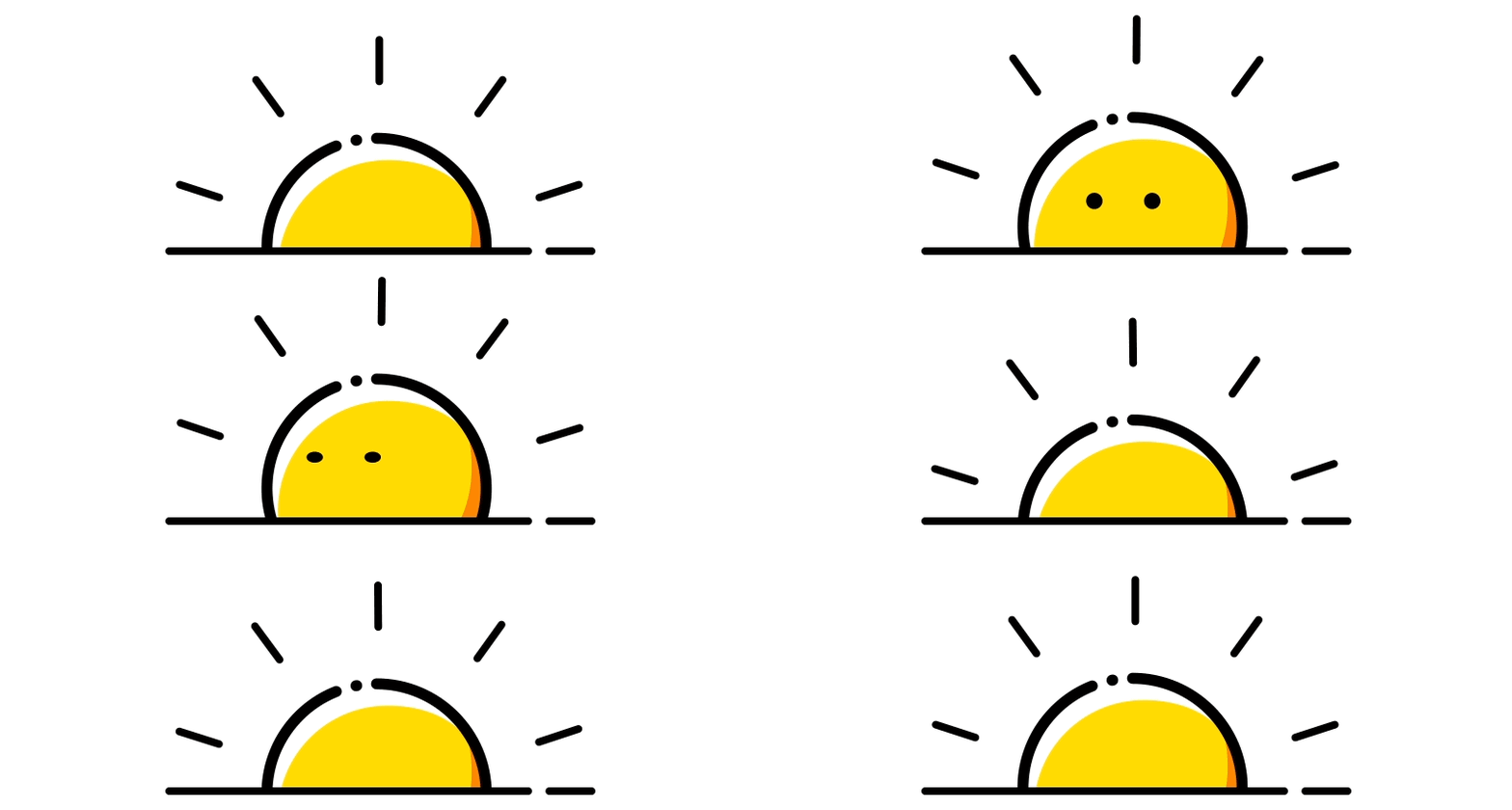
预览,录屏的闪烁是本地渲染一次性加载太多的问题,非图标本身闪烁
下面的python脚本直接输出(输出了webp缩略图)
import os
from PIL import Image
from pathlib import Path

source_dir = "1000多套图标"
output_dir = "webp输出"

os.makedirs(output_dir, exist_ok=True)

for season in os.listdir(source_dir):
    season_path = os.path.join(source_dir, season)
    if not os.path.isdir(season_path):
        continue

    for icon_set in os.listdir(season_path):
        icon_set_path = os.path.join(season_path, icon_set)
        if not os.path.isdir(icon_set_path):
            continue

        images = []
        png_files = sorted([f for f in os.listdir(icon_set_path) if f.endswith('.png')])

        if not png_files:
            continue

        # 先找出所有图片裁剪后的最大尺寸
        max_width = 0
        max_height = 0
        temp_images = []
        for png_file in png_files:
            img_path = os.path.join(icon_set_path, png_file)
            img = Image.open(img_path).convert('RGBA')

            # 自动裁剪透明边缘
            bbox = img.getbbox()
            if bbox:
                img = img.crop(bbox)

            temp_images.append(img)
            max_width = max(max_width, img.width)
            max_height = max(max_height, img.height)

        # 创建正方形画布并居中放置
        max_side = max(max_width, max_height)
        for img in temp_images:
            canvas = Image.new('RGBA', (max_side, max_side), (0, 0, 0, 0))
            x = (max_side - img.width) // 2
            y = (max_side - img.height) // 2
            canvas.paste(img, (x, y), img)
            images.append(canvas)

        if images:
            output_filename = f"{season}_{icon_set}.webp"
            output_path = os.path.join(output_dir, output_filename)
            images[0].save(
                output_path,
                save_all=True,
                append_images=images[1:],
                duration=100,
                loop=0,
                lossless=True
            )
            print(f"已生成: {output_filename}")

print(f"\n转换完成!所有WebP已保存到 {output_dir} 文件夹")
© 版权声明
NOTICE
1240555208@qq.com|Copyright © 2023~2026
01
DISCLAIMER
本站资源大多来自网络,如有侵犯权益请联系管理员,我们会第一时间审核删除。站内资源仅供学习测试,未经许可禁止商用,请在24小时内删除。
02
VIP PRIVILEGE
遇到付费内容?升级终身VIP即可全站免费畅享所有资源,可以联系我的微信进行开通。
大海聊天 QQ 3群:478065589
THE END







暂无评论内容